
Post a daily announcement
Do this when you have a short notice for the church, such as a change of time or a work day.
Who can do this: Your role needs Edit access to News or Edit access to Post Announcements. See Let a role post announcements.
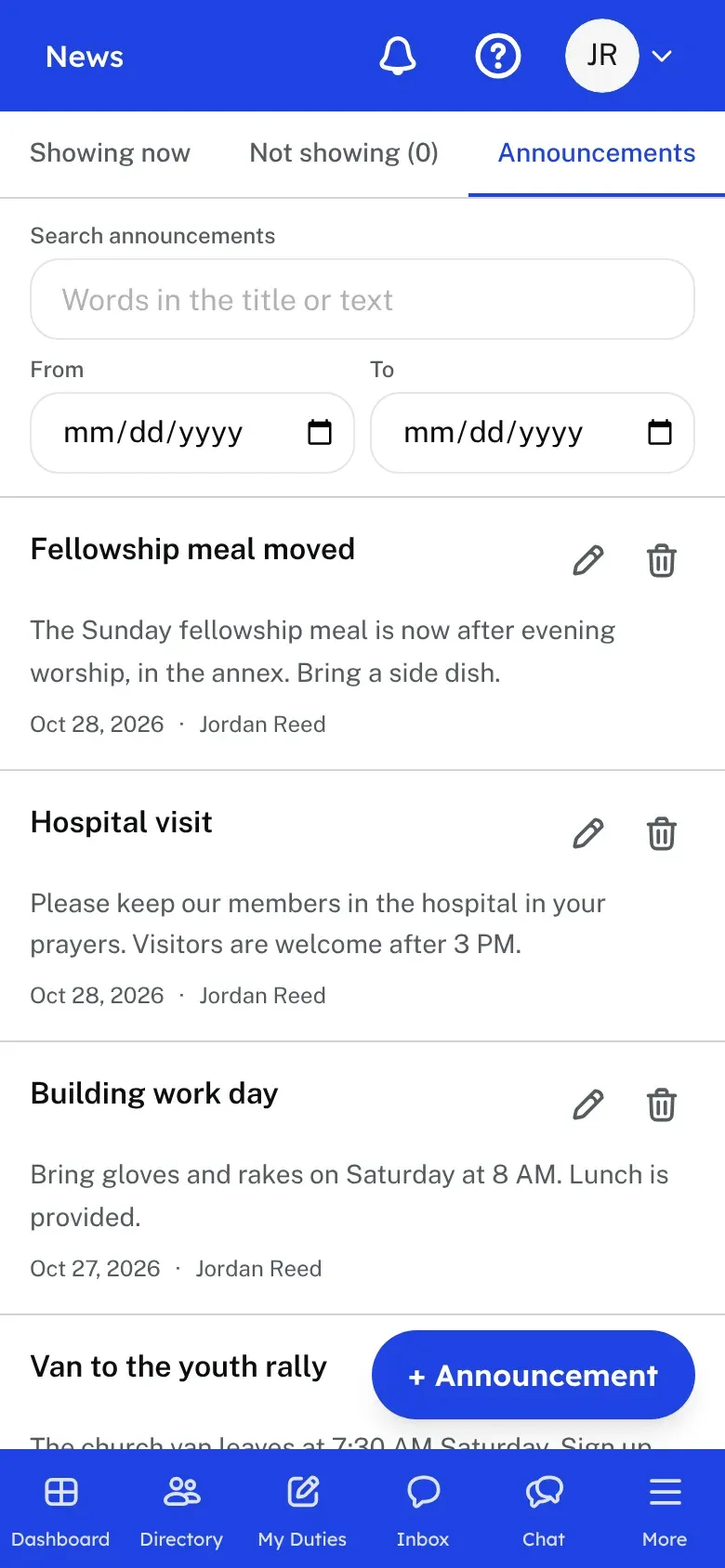
- Open News. On a computer, click News in the menu. On a phone, tap Menu at the bottom, then News.
- Click the Announcements tab.
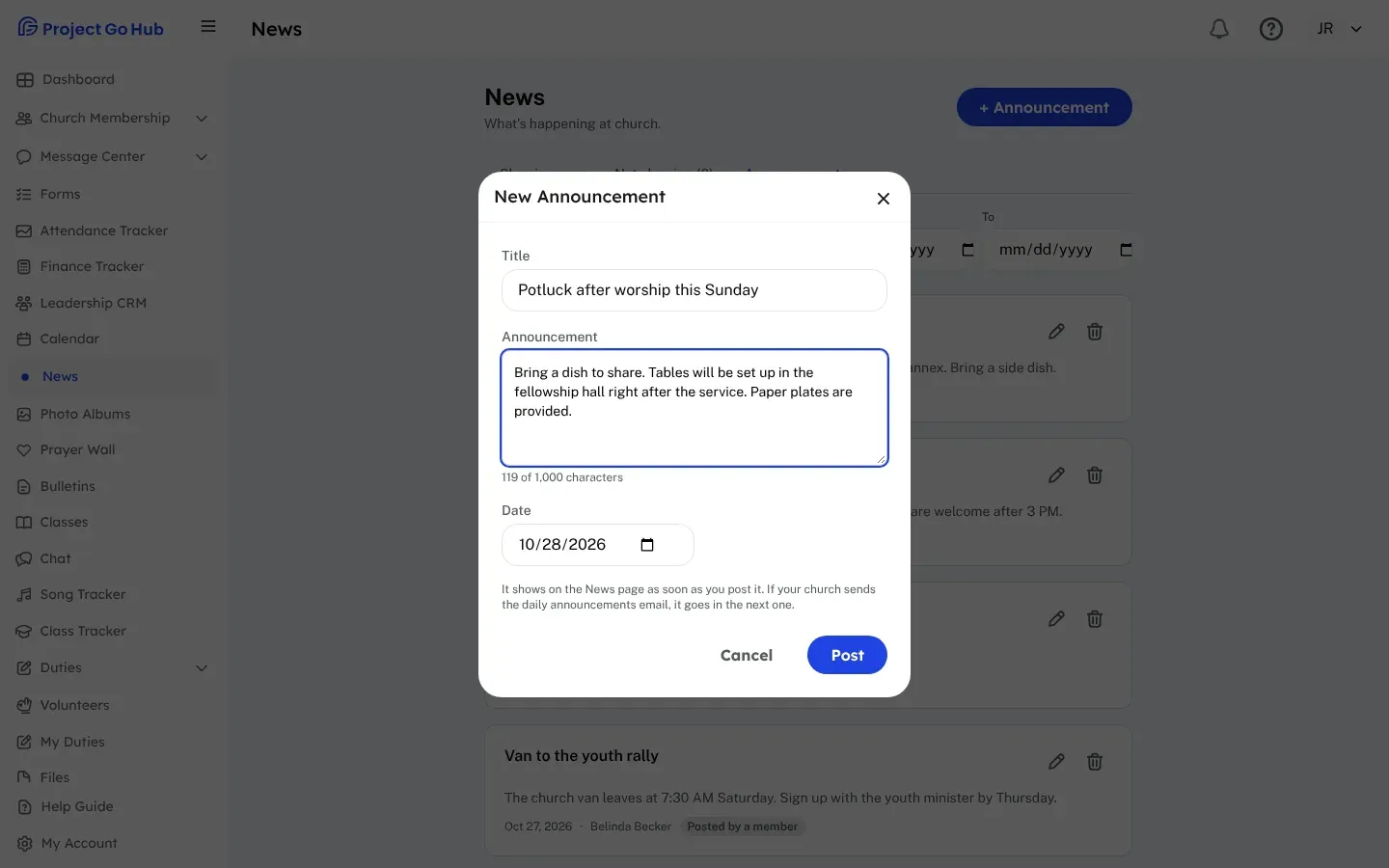
- Click + Announcement. On a phone, this button floats at the bottom right of the screen.
- In Title, type a short title.
- In Announcement, type the text. A counter under the box shows how many of 1,000 characters you used.
- Check the Date. It starts as today. You can change it.
- Click Post.
You see Announcement posted. The announcement is at the top of the list, with your name under it.
Good to know
Section titled “Good to know”- An announcement shows on the News page as soon as you post it. There are no drafts.
- An announcement does not expire. To remove one, change or delete it.
- The title can have up to 200 characters. The text can have up to 1,000.
- The Date is only for showing and searching. It does not hold the announcement back until that day. A date in the past or the future is fine.
- If your church sends the Daily Email, the announcement goes in the next email after you post it, whatever its Date is. See Turn on the Daily Email.
- Announcements are not the same as News posts. They do not show on the Showing now tab, and “Send to members” and the Weekly Recap do not include them.
- A member whose role is allowed to post sees Posted by a member under their announcements.
Still stuck?
Section titled “Still stuck?”Use the Contact support page, or email [email protected]. Tell us your church name and what you tried.
Was this page helpful?
We record searches and page feedback, with no names, emails or IP addresses, to improve these articles.