
See members who share your interests
Do this when you want to meet or call members who enjoy the same things as you.
Who can do this: Your role needs View access to Member Interests. First pick your interests and skills and save them.
- On a computer, click My Account at the bottom of the menu. On a phone, tap Menu, then My Account.
- Click the Interests tab.
- Scroll down to People who share your interests.
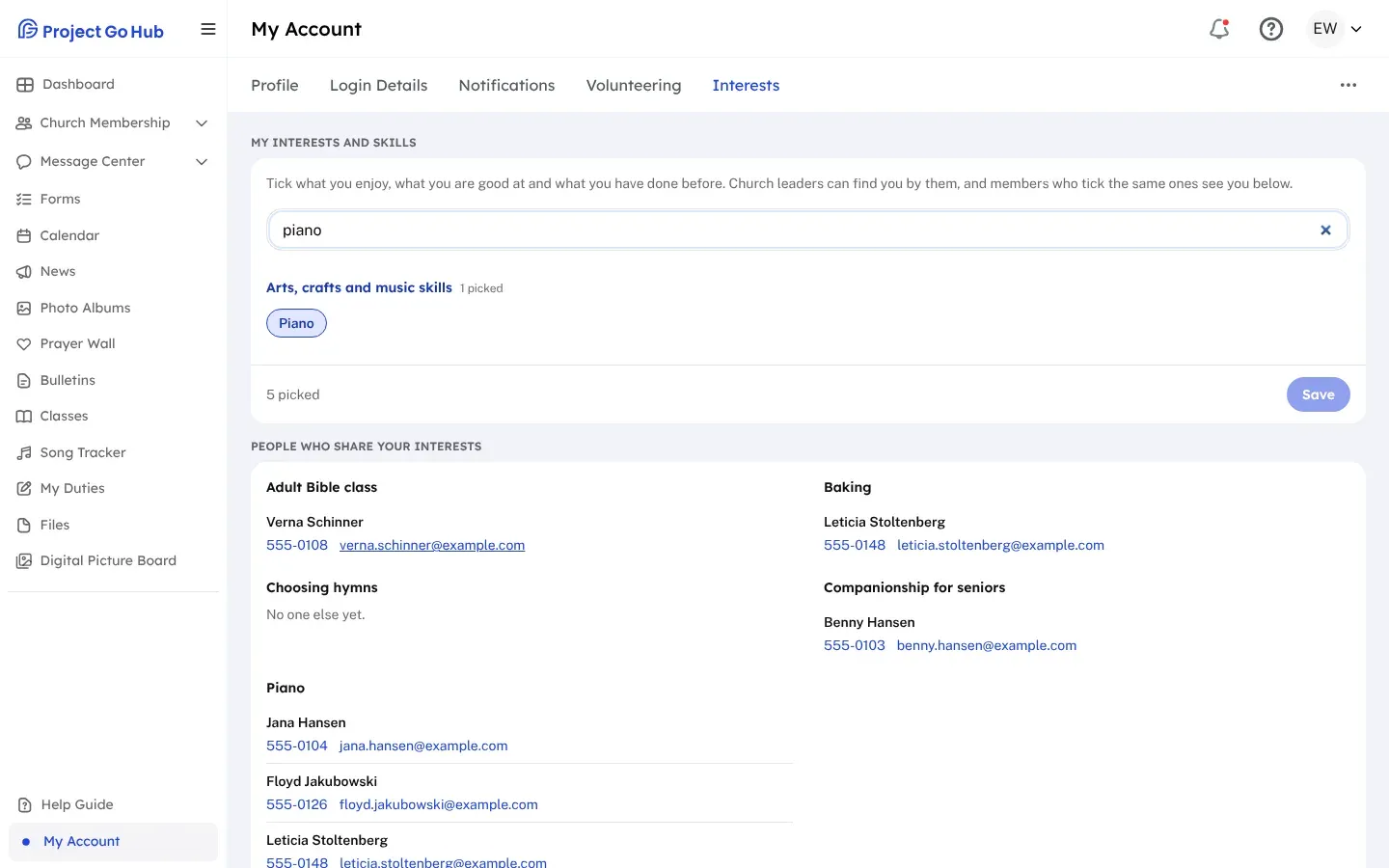
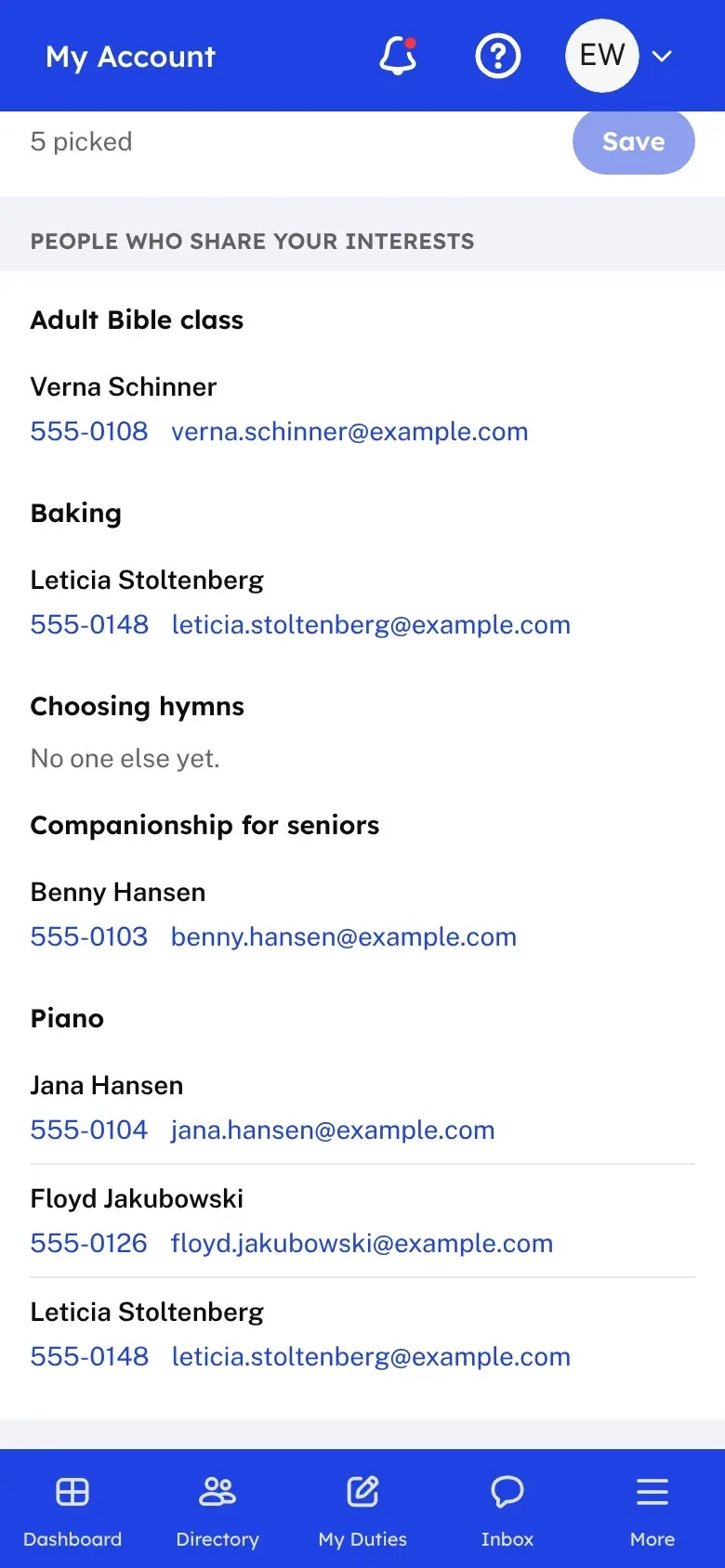
Each interest you saved has its own list of members. Click a phone number to call, or an email address to write.
Good to know
Section titled “Good to know”- The list shows only interests you have saved. If you just ticked one, click Save first.
- If nobody else ticked an interest, you see “No one else yet.”
- A member who hid their phone or email does not show it here. Leaders who can edit the Member Directory and the member’s own family still see it.
- Only current members of approved families are listed. Former members are not.
- If you have not saved any interests, you see “Save some interests to see the members who share them.”
Still stuck?
Section titled “Still stuck?”Use the Contact support page, or email [email protected]. Tell us your church name and what you tried.
Was this page helpful?
We record searches and page feedback, with no names, emails or IP addresses, to improve these articles.