
See the church's Bible classes
Do this when you want to know which Bible classes your church has this quarter, who teaches them and what they study.
Who can do this: anyone with View or Edit access to Class Tracker. The built-in Members role has View access. See Understand roles and access levels.
Open the Classes page
Section titled “Open the Classes page”On a computer, click Media & Files > Classes in the menu. On a phone, tap Menu at the bottom, then go to Media & Files > Classes.
What you see
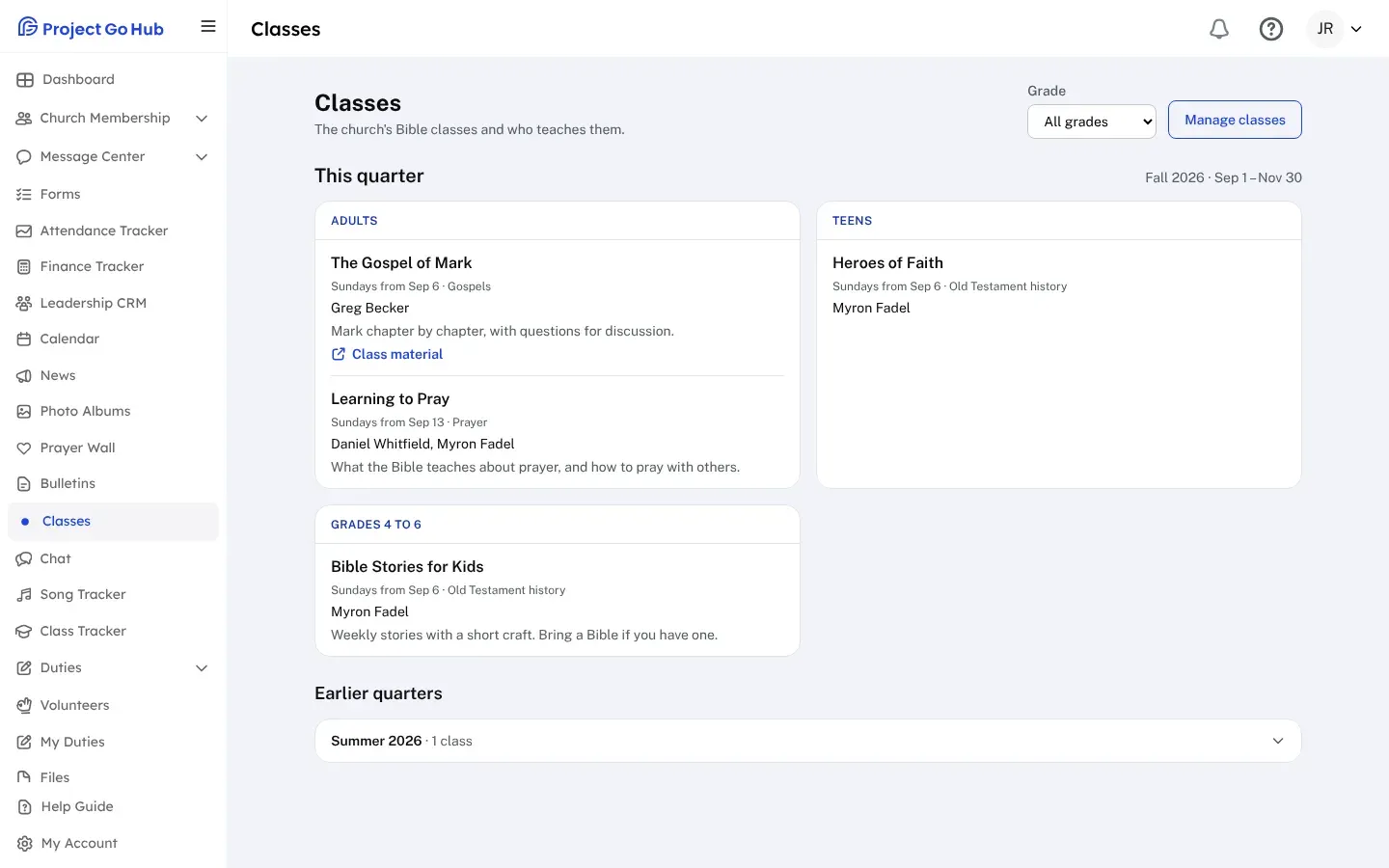
Section titled “What you see”- This quarter: the classes whose start date is in the current quarter, with the quarter’s name and dates. Winter is December to February, Spring is March to May, Summer is June to August and Fall is September to November.
- Quarters that are still to come, each under its own name.
- Classes grouped by grade, in the order your church chose.
- For each class: the title, the weekday and date it starts (for example Sundays from Sep 6), its topics, its teachers and a description.
- Class material, or the file’s name, if the class has a handout. Click it to open the link or the file.
- Earlier quarters: click a quarter to open the classes of that quarter. Click it again to close it.
Show one grade
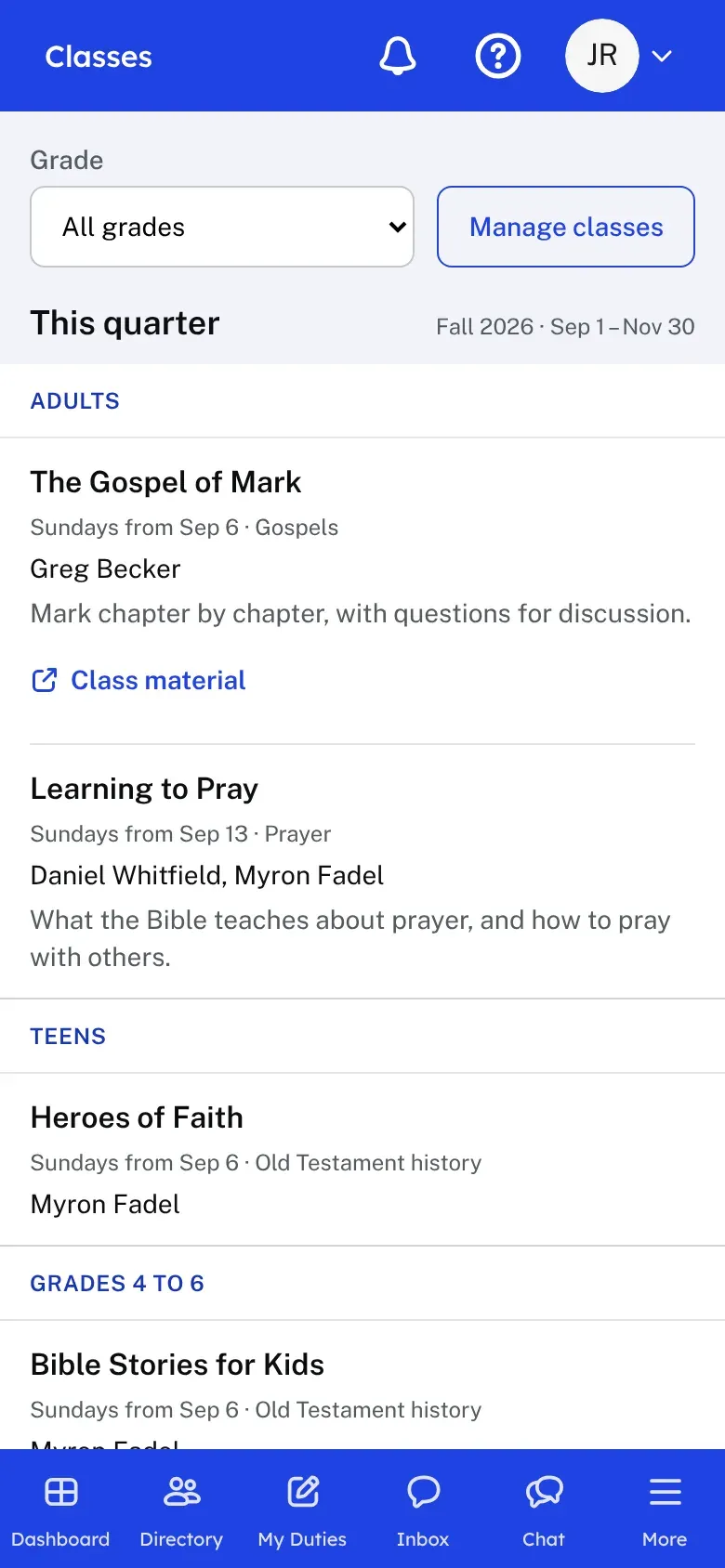
Section titled “Show one grade”When your church has more than one grade, choose a grade in Grade at the top. Choose All grades to see everything again.
Good to know
Section titled “Good to know”- You see only published classes. Drafts are seen by church staff only, even if you have Edit access.
- If the church has not published a quarter yet, you see “The classes for Fall 2026 have not been announced yet.” (with the name of the current quarter).
- If you choose a grade with no classes this quarter, you see “No classes for this grade this quarter.”
- If your church has turned Classes off, you see “Classes are not turned on for this church.” If your role has no access, you see “You do not have access to Classes.”
- People with Edit access also see a Manage classes button. It opens the Class Tracker.
Related tasks
Section titled “Related tasks”Still stuck?
Section titled “Still stuck?”Use the Contact support page, or email [email protected]. Tell us your church name and what you tried.
Was this page helpful?
We record searches and page feedback, with no names, emails or IP addresses, to improve these articles.